Where did this come from?
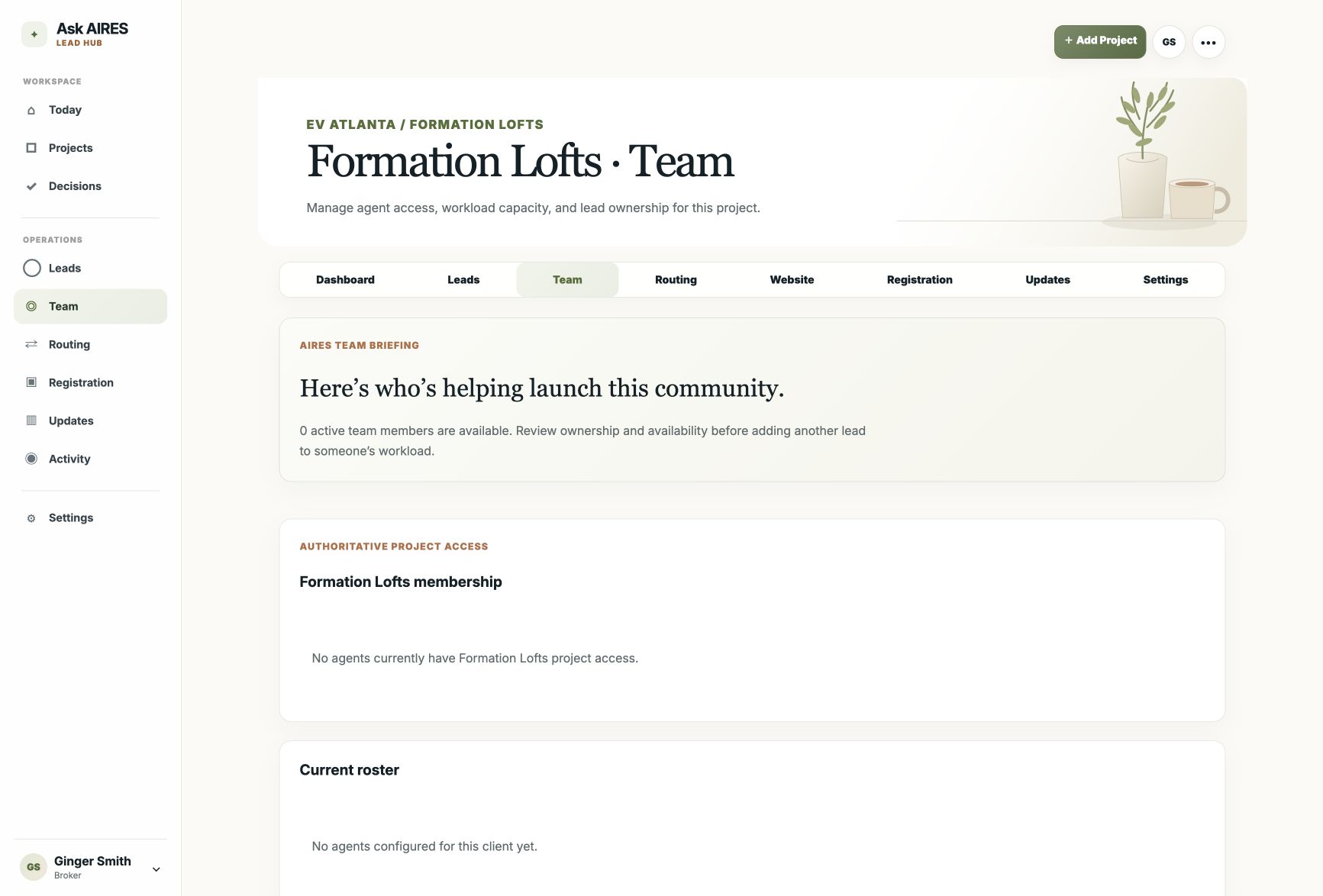
The inquiry keeps the project, page, source, and visitor journey attached instead of arriving as another context-free email.
The people behind every inquiry
A buyer raised a hand. AIRES keeps their context visible, gives the next step an owner, and helps the team respond without losing the thread.
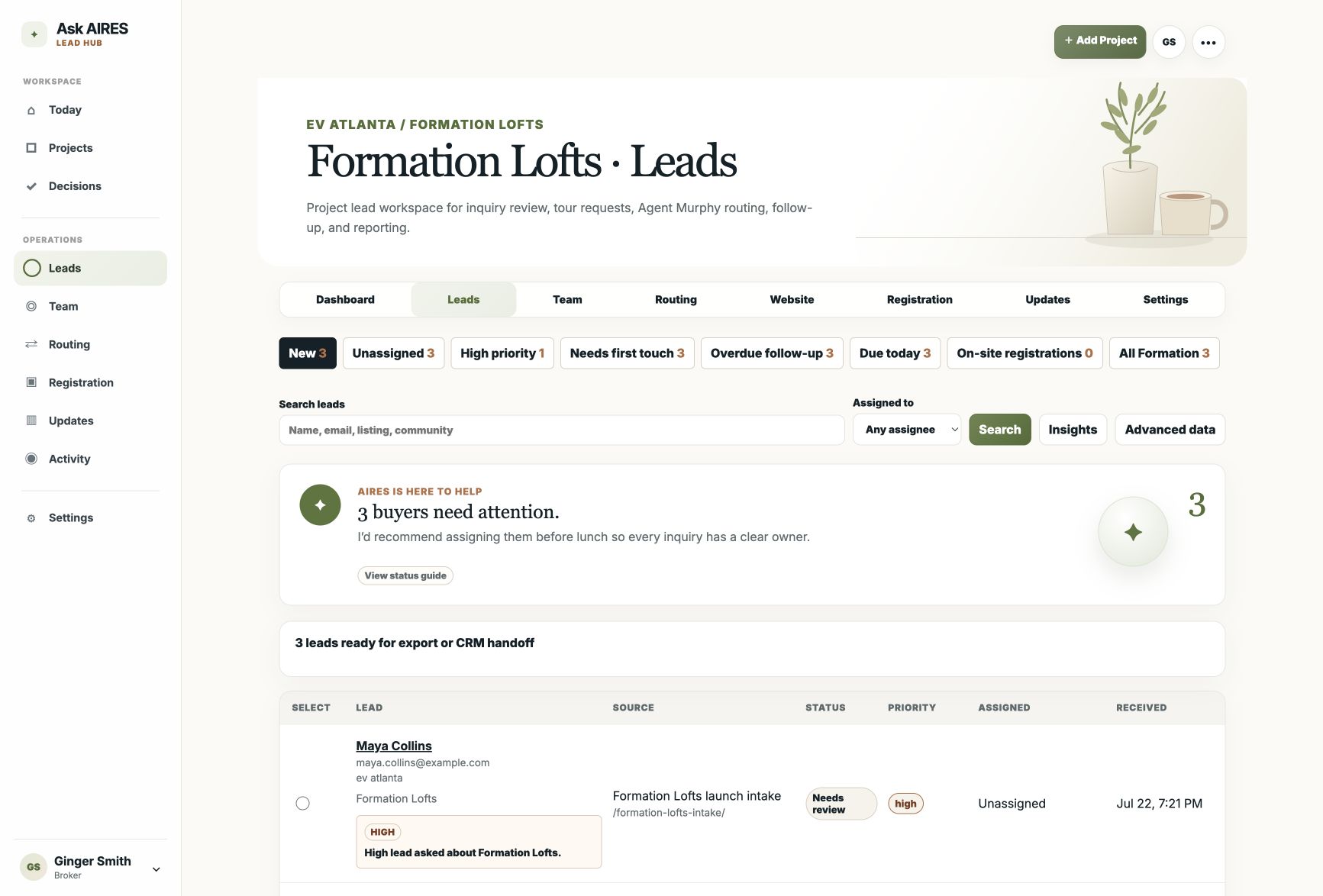
The inquiry keeps the project, page, source, and visitor journey attached instead of arriving as another context-free email.
Journey context can become a short insight and a response draft, so the agent starts from the buyer's actual behavior.
Project, listing, community, and lead-type rules point each inquiry to the right agent or team, with broker override when needed.
Inquiry flow
Chapters 7-9
This part of the walkthrough shows what happens after the buyer raises a hand: ownership, context, follow-up, and the broker view.
See what the team needs after an inquiry comes in.
Review leads, routing, ownership, reporting, and agent context.
Make follow-up visible before it slips.
The next five minutes
Someone registered. What did they see first? Who owns the call? Is the lead stale? Does the agent need a draft? The Hub exists to make those questions visible before they become follow-up gaps.
Review the public community path first so the inquiry has context before anyone opens the private team view.
The team should see who owns the next step, why that owner makes sense, and whether a broker needs to override the route.
The agent should know what the buyer viewed, what they requested, and what message would feel relevant instead of generic.
The broker should be able to see status, stale follow-up, assignment history, and CRM/export readiness without chasing updates.
What usually gets unclear
Who it helps
The buyer wants help. The agent wants context. The broker wants accountability. The builder wants visibility. The Hub keeps those questions connected.
Broker / admin
Agent
Client / consumer
Private data stays private
When someone asks to see the proof
The public website stays polished and buyer-focused. The private team view gives the brokerage the routing, assignment, and follow-up controls that make the site useful after the form is submitted.
Zero-dropped-lead context
Traditional forms say someone wants information. Lead Hub shows what they cared about before they asked.
Inbox
Filter by status, priority, assigned agent, project, or search term, then assign, update status, export, or draft a response.
Project routing
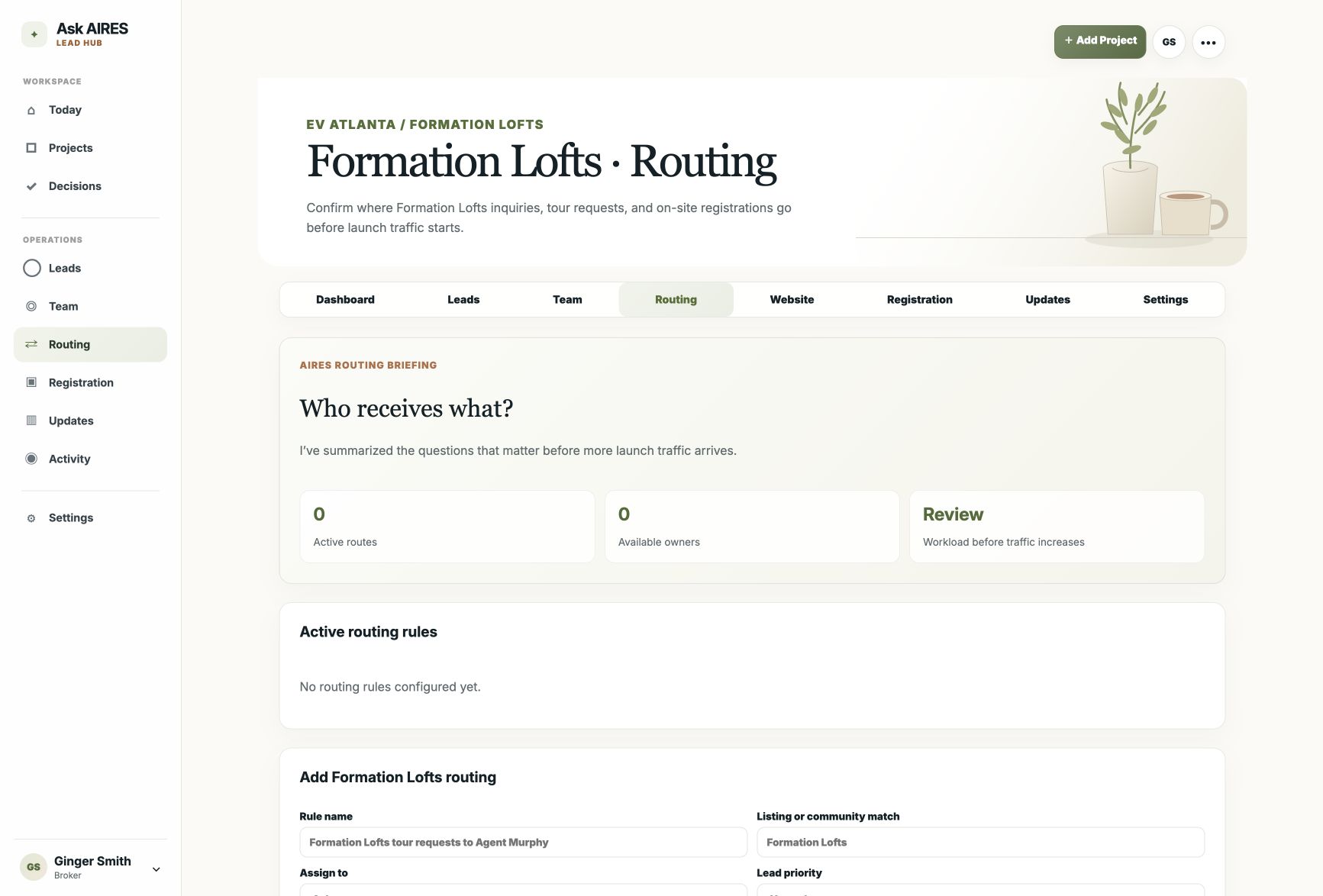
Use project rules for featured listings, neighborhoods, buyer inquiries, seller requests, and manual overrides when a lead needs a different owner.
Team workspace
Review project membership, active capacity, and ownership before another inquiry is assigned.